KakaoTalk preparation
Confirm the business review and invite the Laney admin to the channel and Kakao Developers.
Before you start
- You can sign in to the Kakao Business Partner Center.
- You hold channel admin permission.
- If another service (such as Channel Talk) uses Kakao consultation talk, you must release it first.
Confirm the business review
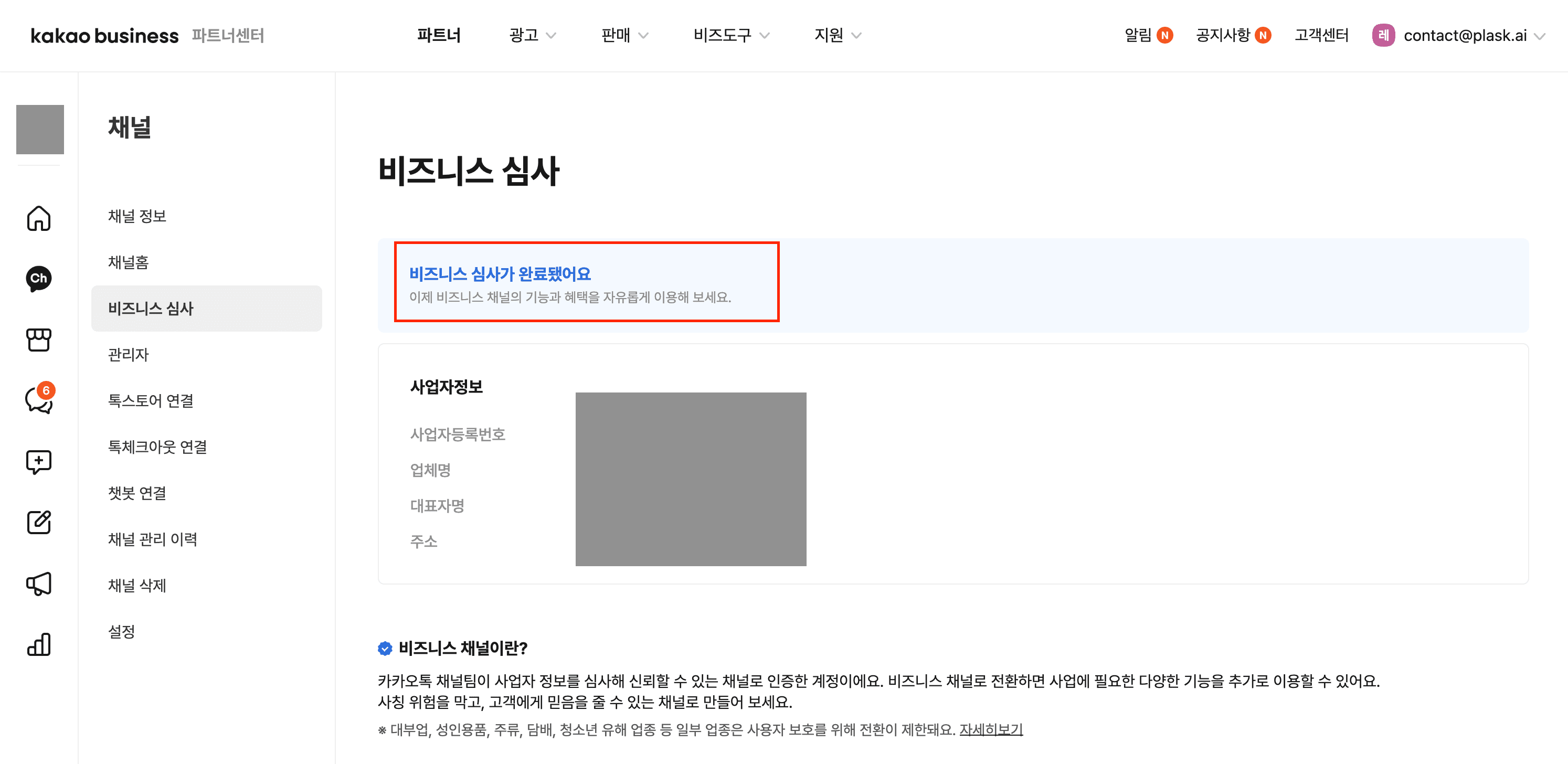
Open Kakao Business Partner Center (business.kakao.com). Select Channel, then Business review.
If the status shows the review is complete, move to the next step.
If you have not applied yet, apply from the same menu.
- Enter the business registration number and applicant details.
- Attach documents. A corporate representative submits the business registration certificate and completes phone identity verification. An employee submits the business registration certificate and a Kakao electronic certificate issued in their own name.
- Attach the industry license. Medical services must attach the medical institution establishment report (or permit).
- Accept the terms and submit the review.
Documents must be jpg, jpeg, png, or pdf, at most 10MB each and 100MB in total.
Invite an admin to the channel
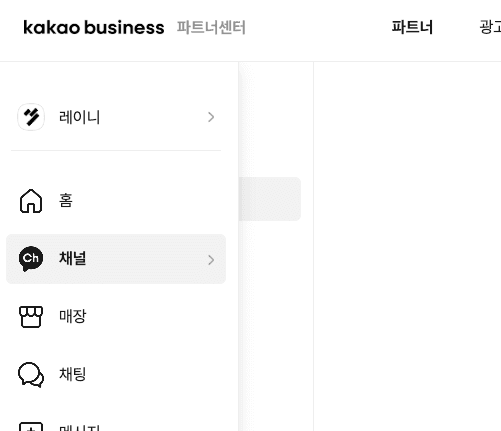
Sign in to the Partner Center (business.kakao.com) and open the Channel tab in the left menu.
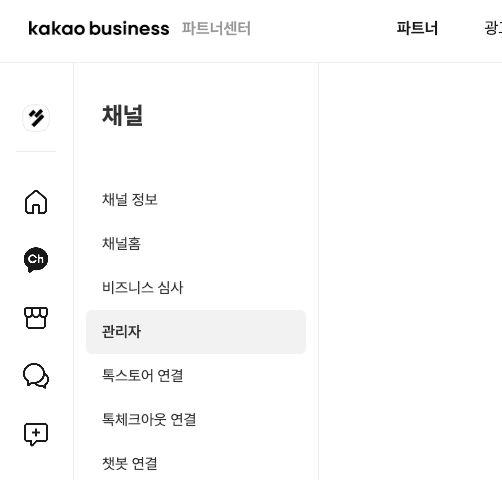
Move to the Admin tab inside the Channel menu.
Select + Invite admin to the right of the admin list.
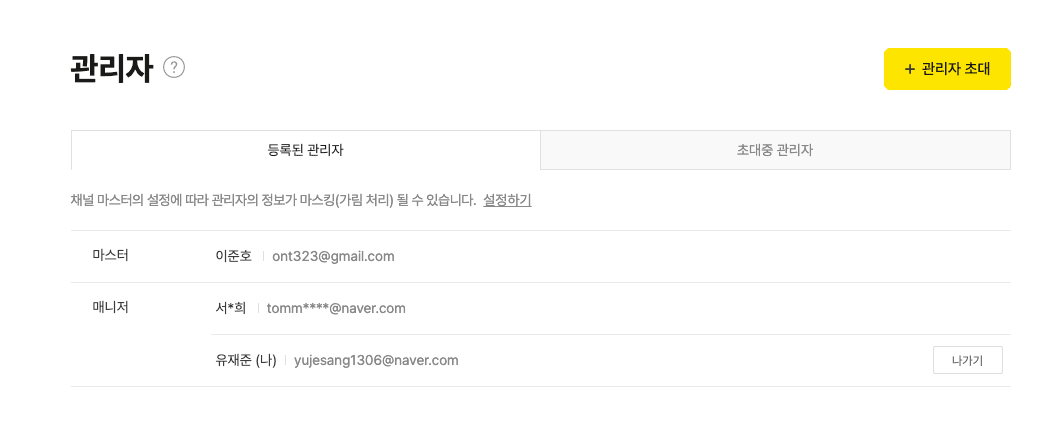
In the invitation dialog, enter account1@plask.ai in the admin account field and send it.
The invitation must be accepted before the admin is added. An admin who accepts receives manager permission, which carries the same channel operation rights as the master.
Invite Laney to Kakao Developers
This applies only if your website already uses Kakao Login. Do not create a new app. Invite Laney to the existing one.
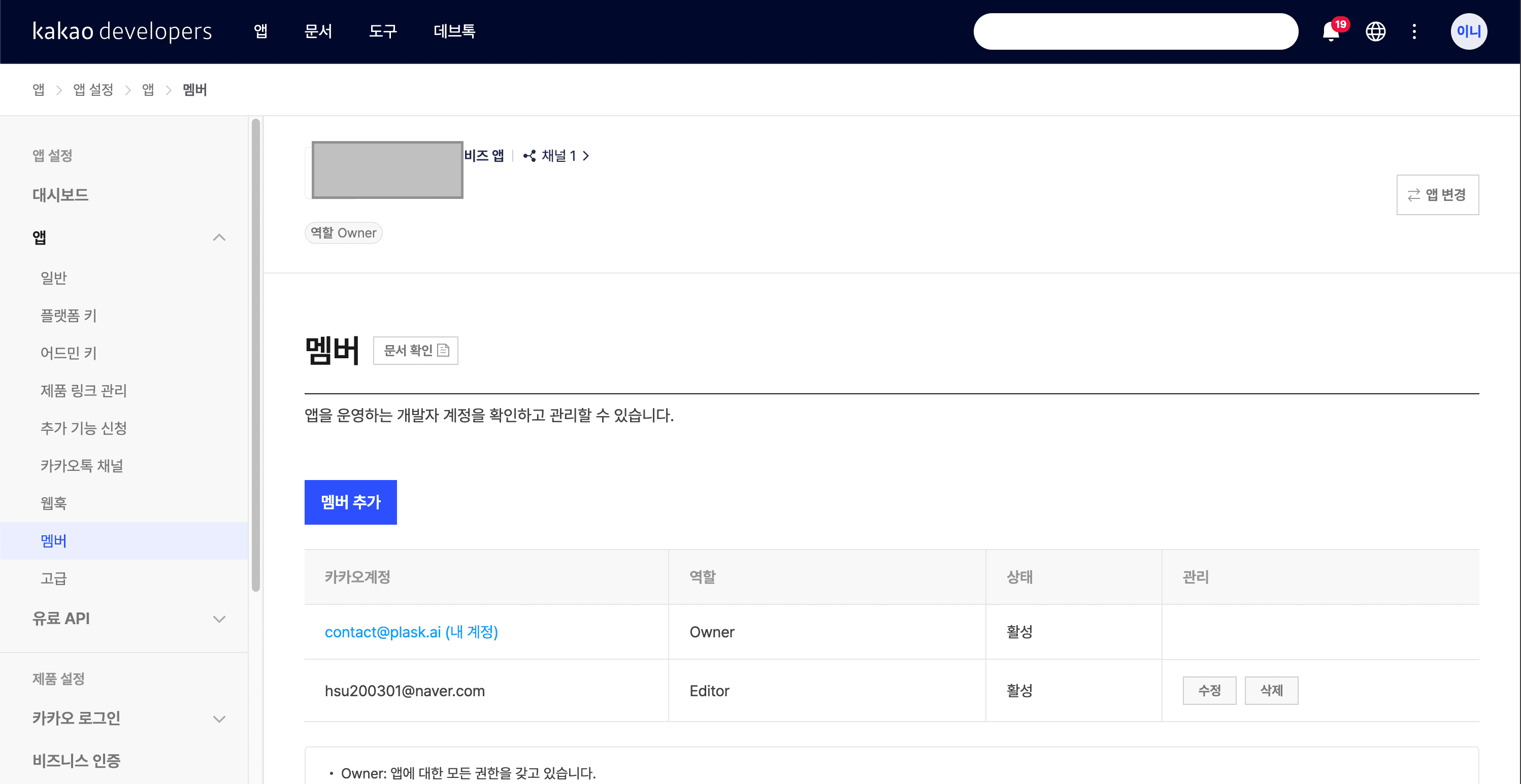
Open your app on developers.kakao.com. Select App, Members, then Add member.
Enter account1@plask.ai, set the role to Editor, and save.
If the app is not listed
A previous agency can own it. Ask that agency to invite your team or transfer app ownership.
Send the email for chatbot management
Send the email address registered on your Kakao account to the Laney contact. Laney invites that address to the chatbot admin center so your organization can review the chatbot scenario and settings directly.
If you already use consultation talk
If another service already connects Kakao consultation talk, release it before Laney connects.
- Release the connection in that service. In Channel Talk, select Channel settings, Integrations, App store, then Kakao. Turn off consultation talk or remove the connected channel.
- In the Kakao channel admin center, select 1:1 chat, then Chat settings. Turn on Use 1:1 chat.
Ongoing consultations end
Releasing consultation talk automatically closes conversations in progress. Finish them first.
Check the result
- The business review has passed.
account1@plask.aiappears in the channel admin list.- If you use Kakao Login, the same account is an Editor on the Developers app.
- You sent the Kakao account email for chatbot management to Laney.
During the first API setup, Kakao can ask the master account to confirm its identity several times.